
Skip to product information




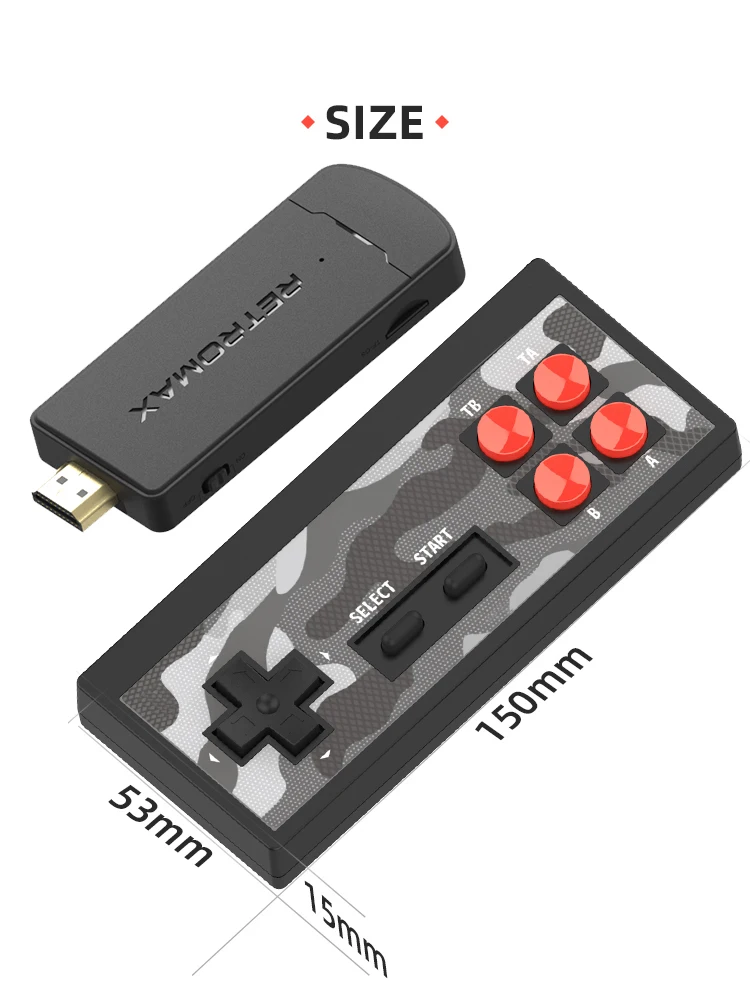


Portable Retro Game Stick with 1800 Built-in NES/
€33,61 EUR
SPECIFICATIONS
Bluetooth compatible : No
Brand Name : DATA FROG
Category : Video Game Console
Certification : None
Choice : yes
High-concerned Chemical : None
Interface : Support HDMI-compatible OutPut
Operating System : 8-bit
Origin : Mainland China
Package : Yes
Support : 2 Players
Supporting Language : English
Type 1 : Video Game Console
Type 10 : Wireless game console
Type 11 : Retro video game console
Type 12 : 4K TV Video Game Console
Type 13 : TV game console
Type 2 : Portable game console
Type 3 : Dendy game console
Type 4 : retro console stick
Type 5 : TV games
Type 6 : 4k game stick
Type 7 : Retro console
Type 9 : video game consoles
Type of devices : other
Video Game Controller included : Yes
WIFI : No
Weight : 250g
Y2 HD & Y2 PLUS Game List
List of Y2 HD 3.0 1800 card games:
http://www.datafrog.cn/upfile/2022011714394153.pdf
List of Y2 PLUS 3.0 1800 card games:
http://www.datafrog.cn/upfile/2022011714373642.pdf
if you can't open the URL ,you can contact our customer service first and leave your email,then we can send you a game list.
How to download games yourself?
https://youtu.be/JIypjsgqisU
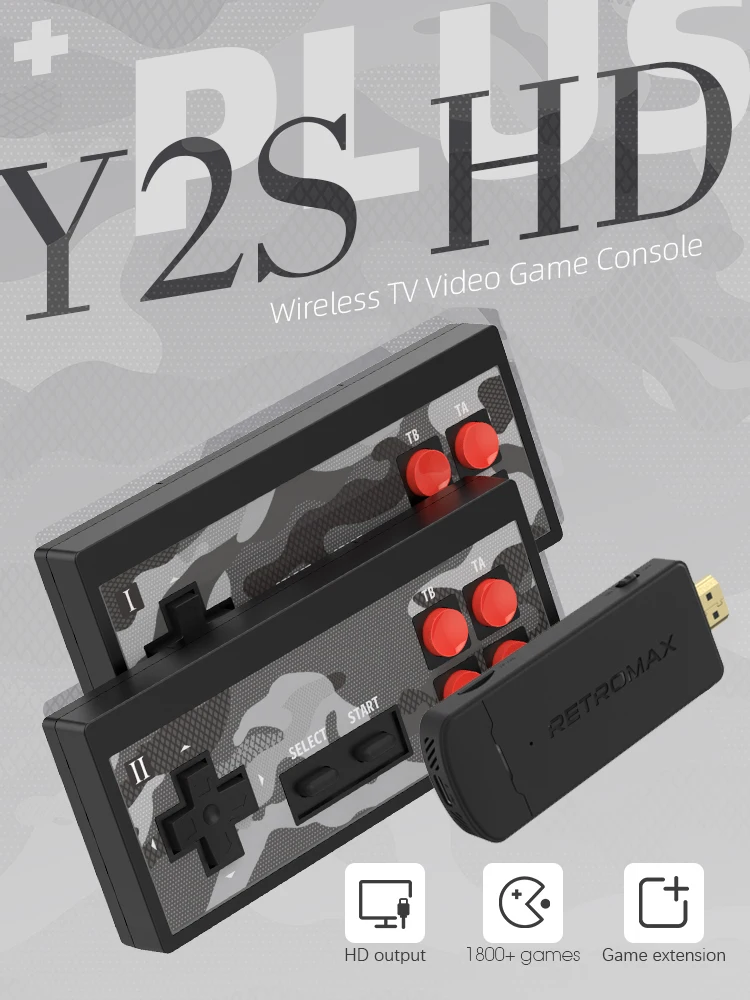
Y2S HD PLUS HDMI compatible game console
The small and powerful mini game stick is just the size of a USB flash drive. It contains a high-performance gaming chip, powerful computing power, and supports for 1700 NES games to run smoothly. 4K HDMI-compatible display, enjoy the fun of the game with family and friends. You can also download your favorite games, just download the game to the TF card, but only supports NES format games.
Noice:Y2S HD console does not support downloadable games.
HDMI-compatible Output Video TV Game Stick
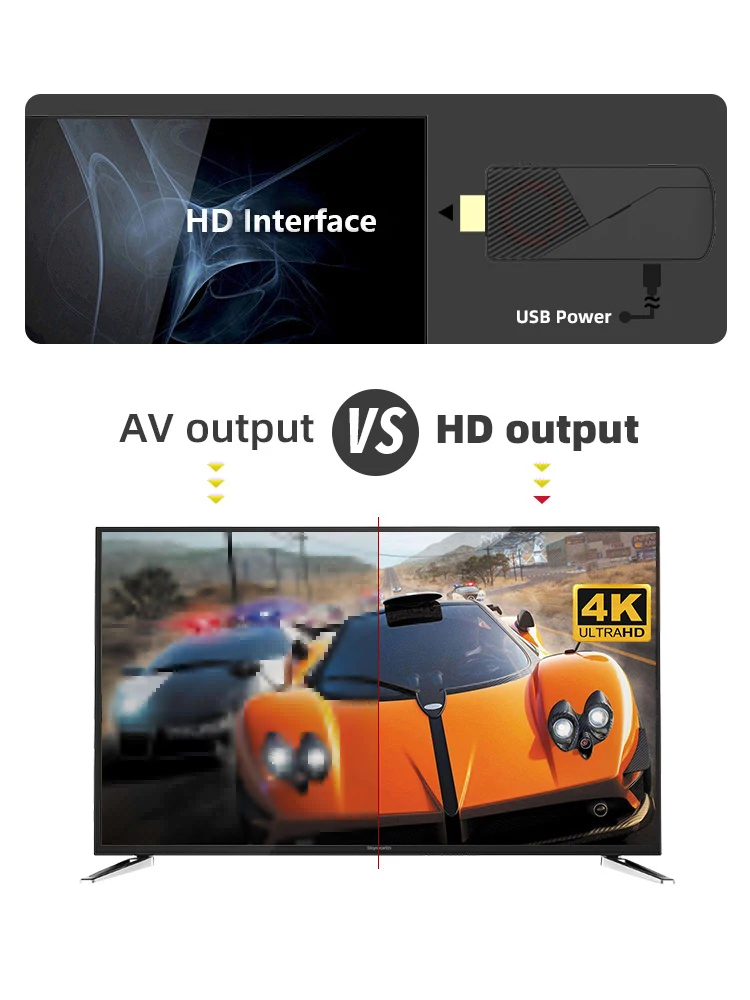
This retro Dendy game console connects via HD cable, allowing you to use it on TVs, computers, projectors, and other devices with an HD interface. No internet connection is needed; it's plug and play, making it easy to use. It features a 4K HD display, allowing you to enjoy gaming with family and friends.
Plug and Play, Build-in 1800 Games for NES
You only need to plug the console of the game console into the HDMI-compatible output interface of the TV, and you can play the game immediately! Simple operation without any complicated usage process! !
This Dendy game console(денди игровая приставка) added more than 1800 NES games.You can download your favorite NES games yourself! Most importantly,We use another TF card and added 500+ Russian games for you!

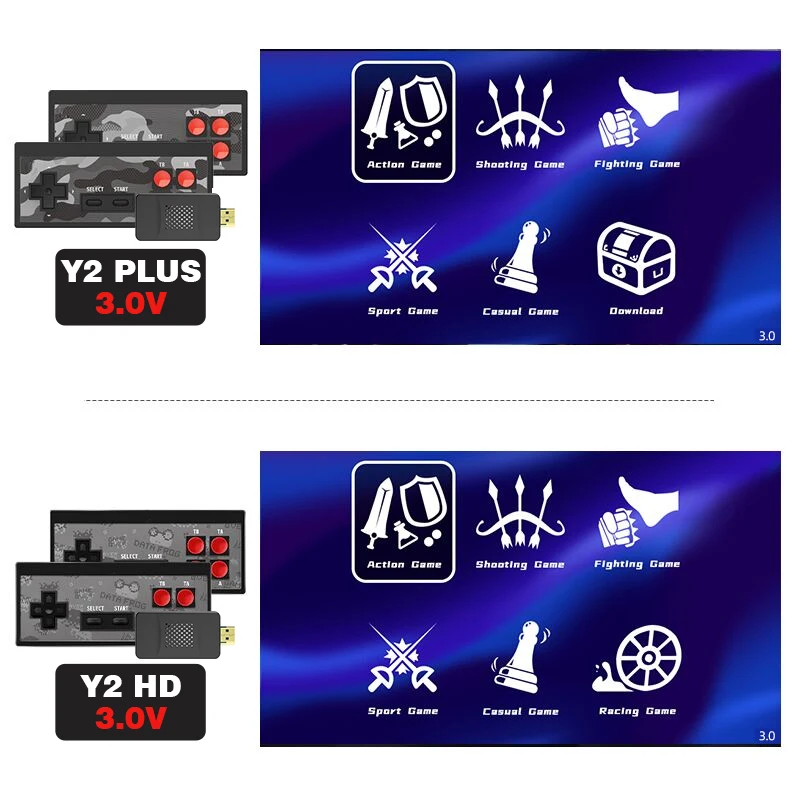
Game Stick TV Page Display
Dendy game console (денди игровая приставка) Plug and play, the game is divided into 6 modules, each game module corresponds to a different number of games, you just need to use the P1 gamepad to select the corresponding module to enter the game.
Where can I find 500 Russian games?
If you buy a model with Russian games, you will receive 2pcs SD cards, one is built in 1800 English games with 1GB SD cards , the other is 512M SD card built in 500 Russian games , if you want to play Russian games, please replace 512M SD card and open it in the "Download" folder of the menu page!
Y2S HD Plus Game Page Display
The game interface has also been upgraded in all aspects, press "Select" + "Start", the system will take you back to the game menu
1.You can freely choose whether to stretch the picture to fit the full screen or keep the original picture
2.Game Console Support PAL and NTSC TV
3.Support for saving the game instantly to prevent the game from needing to restart
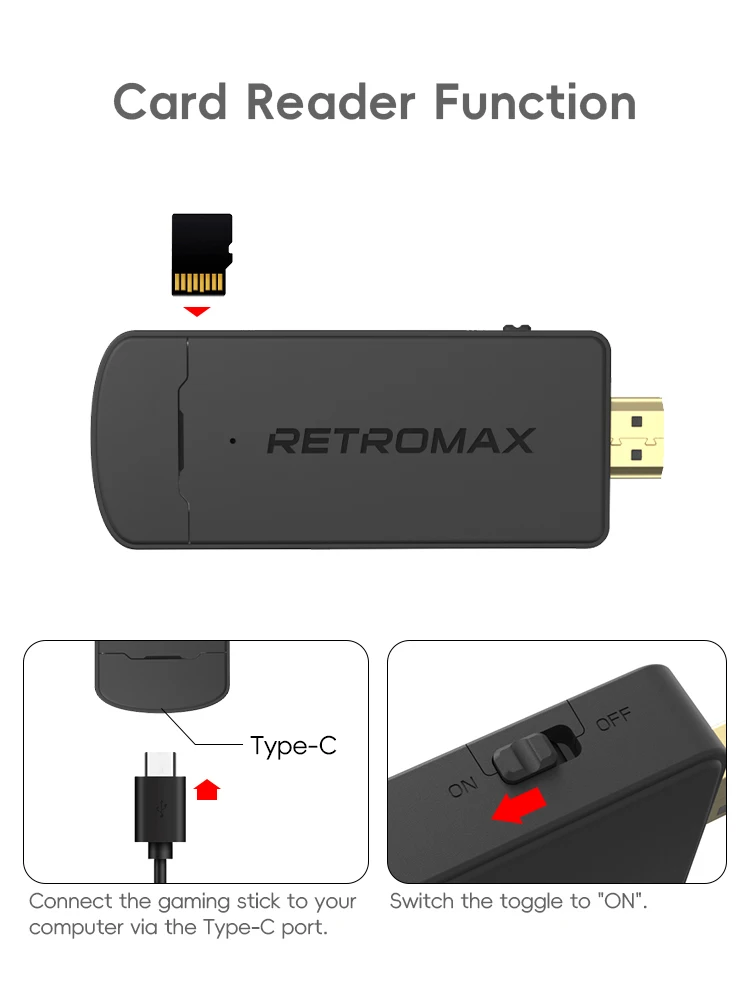
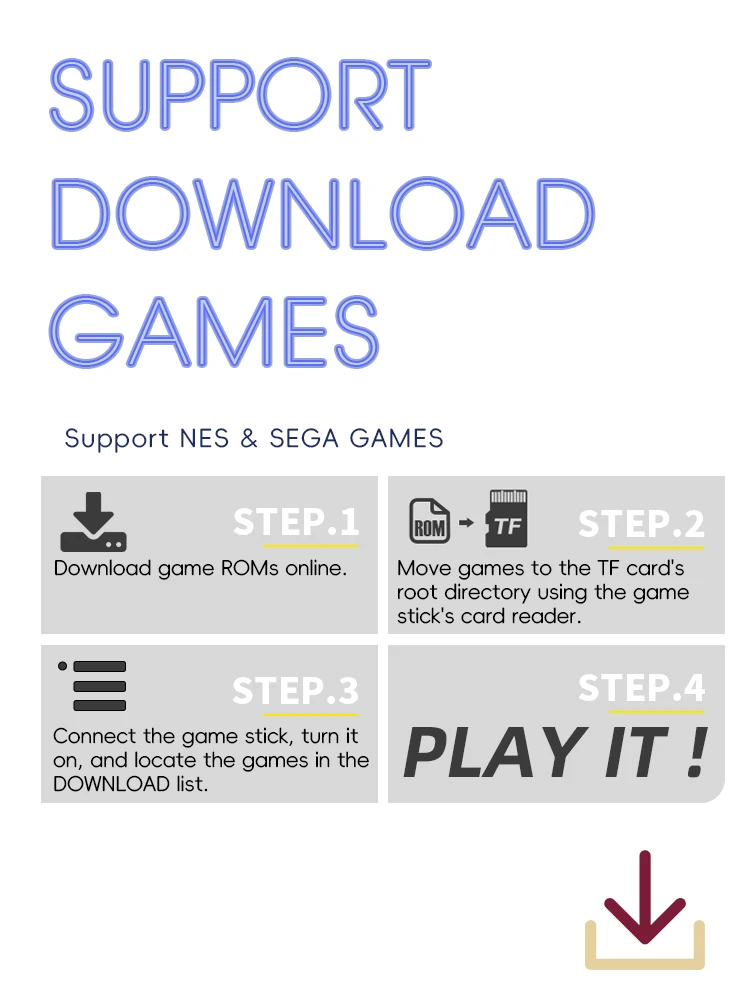
How to download more games?
STEP 1: Download the NES game ROM.
STEP2:Put “rom” into TF card.
STEP3: Found in the game list.
STEP4: Play it!!!
Power Saver
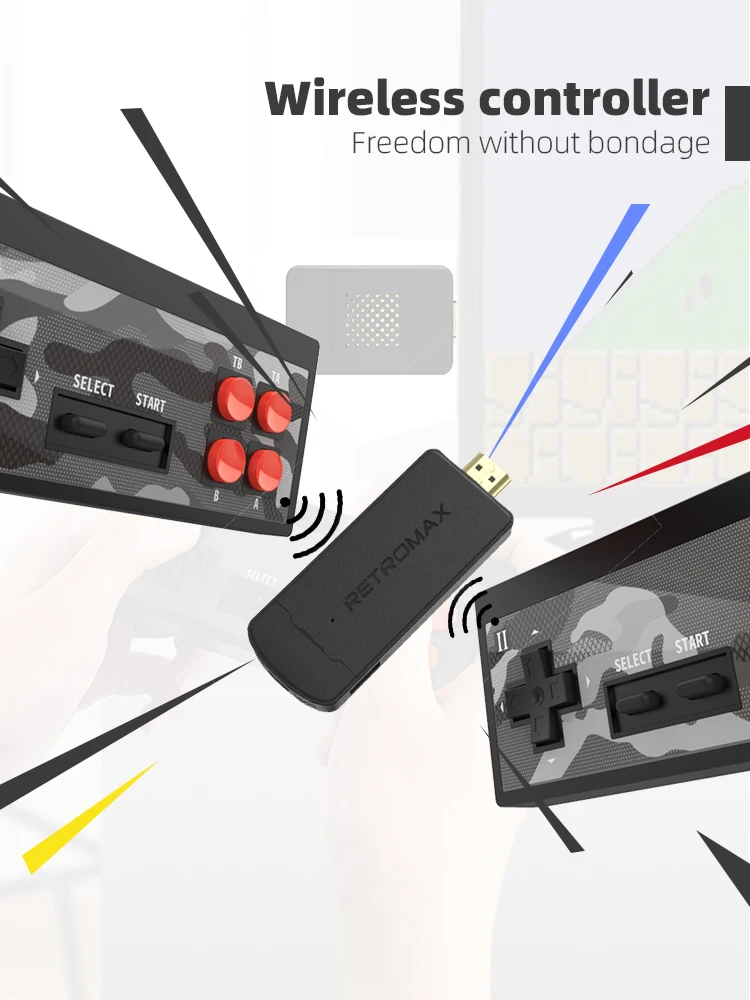
Low-power infrared connection! This controller requires two AAA batteries. Due to safety concerns during transportation, our packaging does not include batteries. Customers need to purchase them from a local store.
Noice:
Please do not use it for a long time, otherwise the picture will be delayed. Please give the game console a proper rest time
FAQ
If these issues cannot resolve your question, please contact us as soon as possible, and we will usually respond within 24 hours. If it is very urgent, you can send us more information. We are all very willing to help you.
Q: Can I save the game?
AH YES!
Q: How do I quit the game?
A: Use the p1 gamepad to press [SELECT + START] at the same time.
Q: Does this TV game stick support downloading games?
A: Yes, the Y2S HD PLUS can support downloading your favorite games, but the Y2S HD does not support downloading games.
Q: Why is the game delayed?
A: Dear friend, it may be that the battery is low. Please charge the battery.
Q: Why do I immediately exit when I enter the game with a controller?
A: Dear friends, this may be due to a lack of battery power in the controller. We suggest you replace the battery with a new one, preferably a 1.5V battery.
Q: Why is there no signal when the game console is connected to the TV screen?
A: If you plug the game console into the TV's USB port and find that there is no response, we have tested it and concluded that the voltage may be different due to voltage variations in different countries. The solution we provided is not to plug the game console directly into the TV. You can try connecting the power socket to the phone's adapter (current 1A); do not use the TV as a power source.
Q: Why does p2 leave the game page?
The P1 game console is the main controller and can be used to operate the game menu page; the P2 game console can only be used to run the game.
Q: Why the SD card cannot recognize the game normally?
A: Dear friends, if you want to download the game or reinsert the SD card, please do not remove the card from the power source, as this can easily cause file corruption and prevent normal use! If it is damaged, please contact customer service to obtain the download file.
Q: Why does the F-22 appear on the screen?
A: Generally, F22 is displayed because the playing card is not inserted properly. We recommend that you remove the card and insert it again. If it still does not work, please contact our after-sales customer service.
Q: How to distinguish between 1P and 2P?
A: There is a switch under the controller. Only the P1 controller is the main controller. To operate the main page, the P2 controller is used in the game.